 zakaz@net-server.com.ua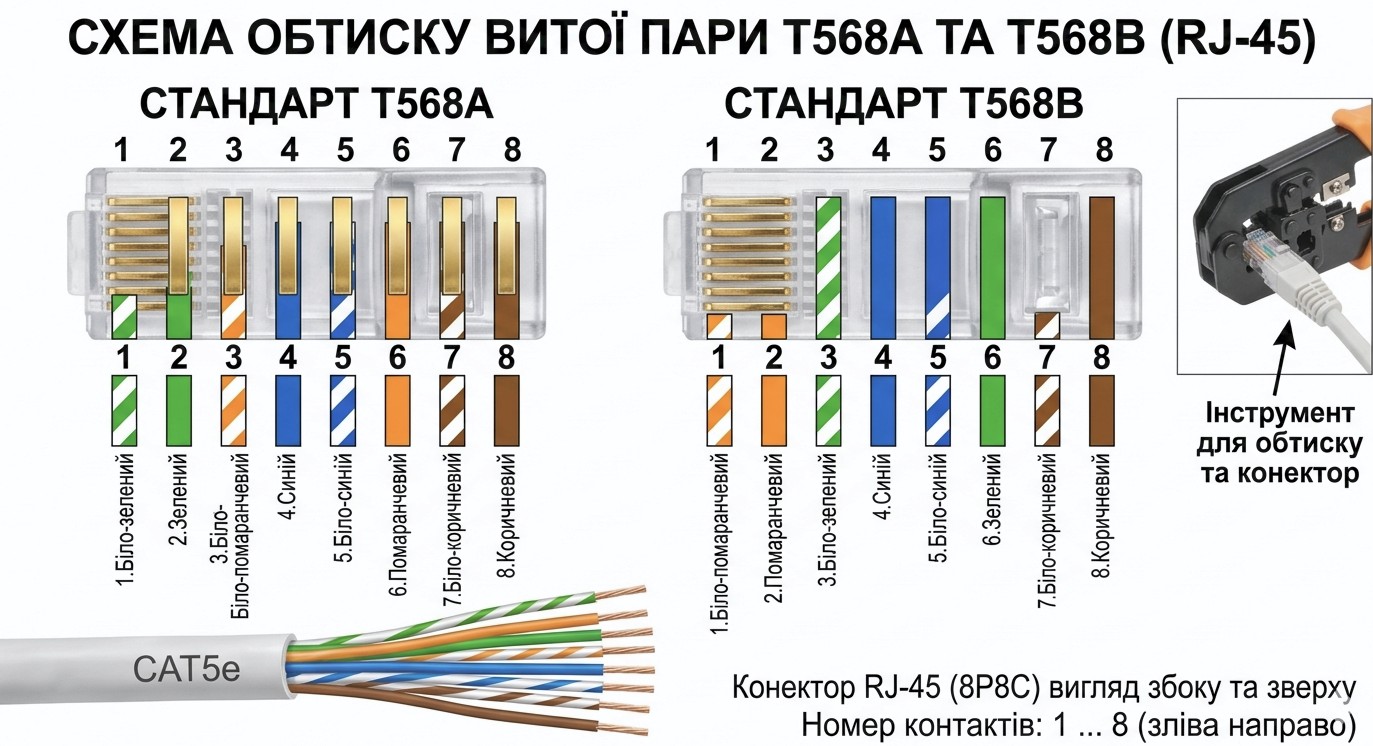
How to Crimp an RJ45 Cable — Twisted Pair Wiring Diagram
When installing a local network, there is often a need to crimp an Ethernet cable manually. For this purpose, RJ45 connectors, specialized crimping tools, and twisted pair cable are used.
In this article, we will cover:
- what RJ45 is;
- which tools are required for crimping;
- T568A and T568B wiring standards;
- how to crimp an Ethernet cable correctly;
- common installation mistakes.
What Is RJ45?
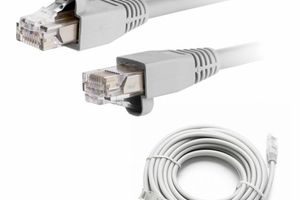
RJ45 is the standard network connector used to connect computers, routers, switches, IP cameras, and other networking equipment.
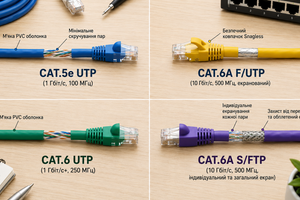
RJ45 connectors are most commonly used with Cat5e and Cat6 twisted pair cables.
If you have not yet chosen the cable category, we recommend reading our article Difference Between Cat5e and Cat6.
Tools Required for RJ45 Crimping
To properly crimp an RJ45 connector, you will need:
- RJ45 connectors;
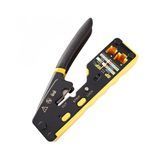
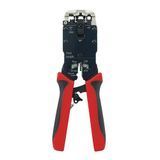
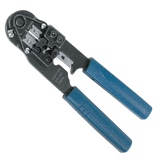
- crimping tools;
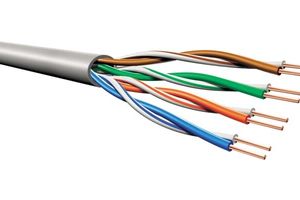
- twisted pair cable;
- a network cable tester (recommended).
For structured cabling systems, professionals also commonly use patch panels, RJ-45 wall outlets, and RJ45 network modules.
T568B RJ45 Wiring Diagram
The T568B wiring standard is the most commonly used today.
Wire order from left to right:
- White/Orange
- Orange
- White/Green
- Blue
- White/Blue
- Green
- White/Brown
- Brown
This wiring scheme is used in the vast majority of modern Ethernet networks.
T568A RJ45 Wiring Diagram
The T568A standard is also used, although much less frequently.
Wire order from left to right:
- White/Green
- Green
- White/Orange
- Blue
- White/Blue
- Orange
- White/Brown
- Brown
The key rule is that both ends of the cable must use the same wiring standard.
How to Properly Crimp an RJ45 Cable
- Remove the outer cable jacket.
- Untwist the wire pairs.
- Arrange the wires according to the T568A or T568B standard.
- Trim the wires evenly.
- Insert the wires into the RJ45 connector.
- Verify the color sequence.
- Crimp the connector using a crimping tool.
- Test the cable with a cable tester.
Common Crimping Mistakes
- incorrect wire sequence;
- untwisting the pairs too much;
- using low-quality connectors;
- damaging wires during stripping;
- using different standards on each end of the cable.
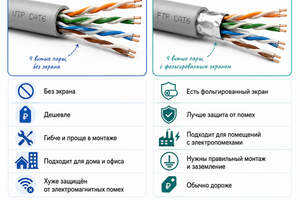
It is also important to choose the correct cable type. For networks with significant electromagnetic interference, FTP cable is recommended. Learn more in our article Difference Between UTP and FTP.
Where Are RJ45 Crimped Cables Used?
Crimped Ethernet cables are widely used for:
- home internet connections;
- office networks;
- server rooms;
- video surveillance systems;
- PoE devices;
- routers and network switches.
FAQ
Which RJ45 wiring standard is used most often?
The T568B standard is the most commonly used in Ethernet networks.
Can T568A and T568B be used together?
For a standard straight-through cable, the same wiring standard should be used on both ends.
Is a cable tester necessary after crimping?
Yes. A cable tester quickly verifies the correct wire connections and helps identify faults.
Which cable is best for RJ45 connectors?
Cat5e and Cat6 cables are the most common choices depending on the required network speed.
Can FTP cable be crimped using a standard RJ45 connector?
For FTP cable, shielded RJ45 connectors are recommended to maintain proper shielding.
Useful Categories
- Twisted Pair Cable
- RJ45 Connectors
- Crimping Tools
- Patch Panels
- RJ-45 Wall Outlets
- RJ45 Network Modules
Useful Articles
- Difference Between Cat5e and Cat6
- Difference Between UTP and FTP
- What Is an SFP Module and How to Choose One
Conclusion
Crimping an RJ45 connector is a straightforward task when using quality components and following the correct wiring standard. In most Ethernet networks, the T568B standard is used, while quality cables, connectors, and tools ensure reliable network performance for many years.